Five low-cost ways to track player movement at amateur matches
Free and cheap tools for gathering basic movement and possession data on a volunteer budget, with honest notes on what each method can and cannot tell you.
We have all seen the touchline tablet with the expensive subscription. At most amateur grounds, though, the budget is zero and the volunteer count is two. Over the past few training seasons we have tested simpler ways to collect basic movement and possession numbers at matches we cover, from pen-and-paper counts to phone apps that cost nothing. None of them replace a proper tracking system. All of them give a journalist something concrete to write about. Here are five methods we keep coming back to, what each one costs in time, and where it quietly falls short. If you are new to reading a match from the sideline, start with our guide to reading a soccer match as a journalist before you add numbers to the notebook.
The methods below are ordered from least to most equipment. We have used all of them at volunteer-run matches, mostly at high school and college grounds where the press area is a folding chair and the wifi is someone's phone hotspot. Treat the numbers as a starting point for questions, not as a verdict on a player.
1. Pen-and-paper possession counts
Two volunteers, one sheet, one agreed rule for what counts as a possession. We split the pitch into halves and count each time a team wins the ball and strings together two passes. It sounds crude, and it is, but it catches the shape of a game better than most people expect. At a match last autumn we counted 41 possessions for the home side in the first half and 28 in the second, which matched what the coaches said about their team tiring after the break.
- Cost: paper, a clipboard and a watch.
- Best for: share of the ball, spells of pressure, who controlled the middle third.
- Limits: no distance, no speed, and two counters will rarely agree exactly.
2. Free phone apps for distance and sprints
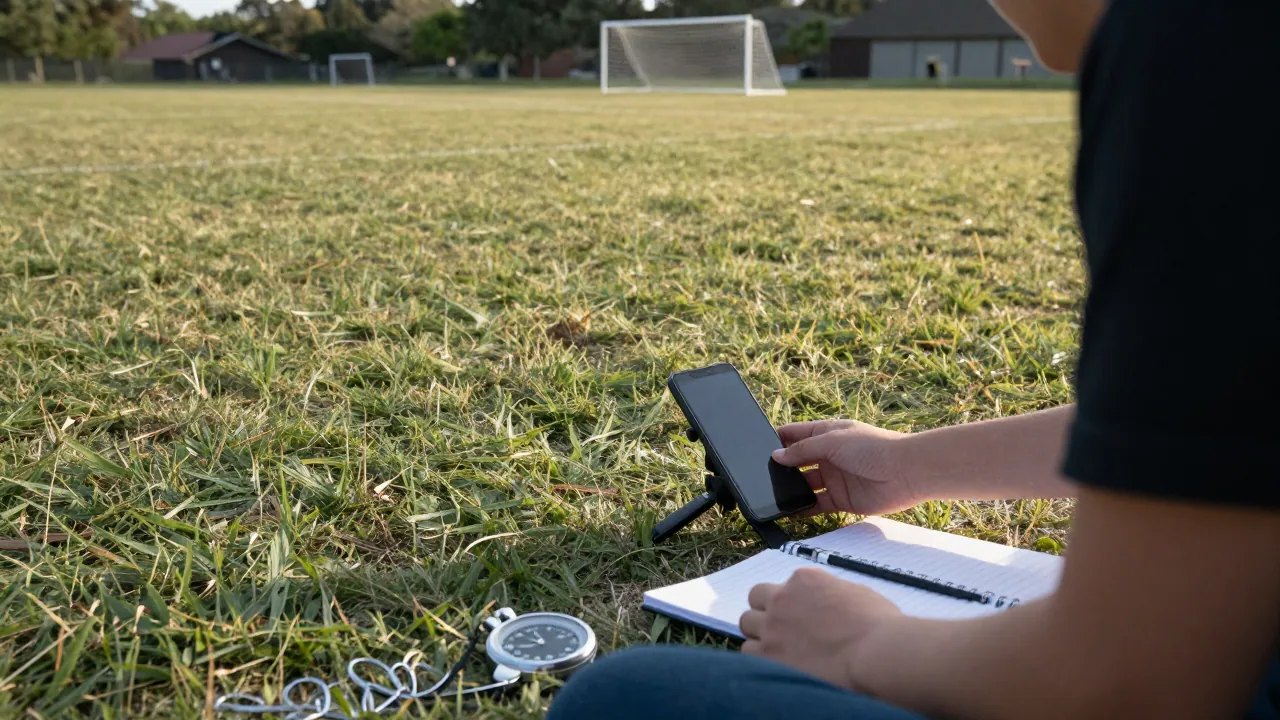
Several free apps use the phone's GPS to log distance covered and short bursts of speed. Strap the phone in a small pouch on a volunteer runner or place it at the edge of the pitch, and you get a rough total after the match. We tried this at three games in the spring. The totals were plausible, but a phone in a pocket lost signal near the trees on one side of the ground, and the sprint count jumped whenever a player jogged past the phone at close range.
3. A single fixed camera and a review sheet
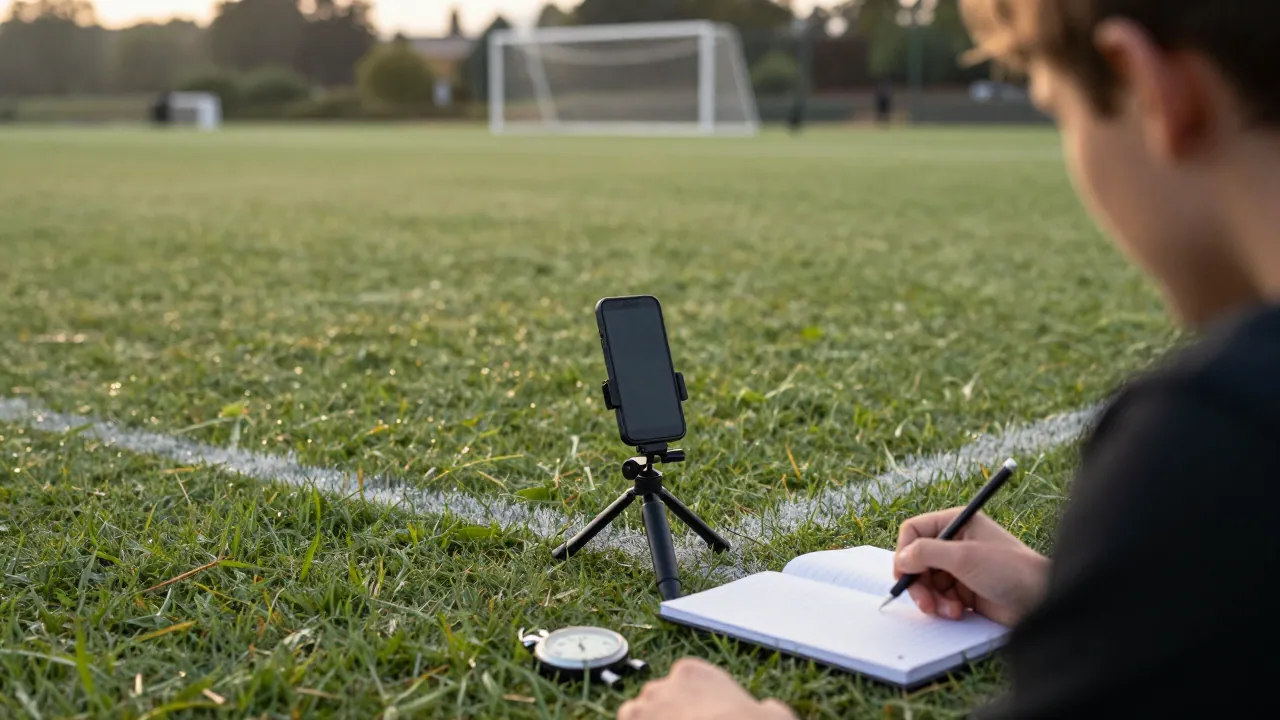
One camera on a tripod behind the goal, pointed at the middle of the pitch, is enough to review key passages after the match. The footage will not give you tracking data, but it lets you check a possession count, count entries into the final third, and confirm who was where on a goal. We keep a simple review sheet with timestamps so a second volunteer can check the first count without watching the whole game. The same habit helped when we were running a press box for a volunteer-run rugby tournament, where a single camera and a shared sheet kept everyone honest.
4. Manual event tagging with a spreadsheet
A shared spreadsheet with one column per event is the most flexible free tool we have found. A volunteer types a timestamp and a short code for passes, tackles, shots and turnovers. After the match you can sort and count. It takes practice to keep up with the game, so start with one team and two event types. We now run a short session on this at our workshops, and the notes from those sessions are kept by the volunteer who keeps our workshop notes in order. The limit is obvious: you only record what you can see, and the game moves faster than most people can type.
| Method | What you get | Time after the match |
|---|---|---|
| Pen and paper | Possession share, spells | 15 minutes |
| Phone app | Rough distance, sprints | 10 minutes |
| Fixed camera | Review of key moments | 30–45 minutes |
| Spreadsheet tagging | Event counts by player | 20 minutes |
5. Club video and a shared review session
Many amateur clubs already film their games for their own review. Ask politely for a copy and offer to share your notes. A shared review session, with two or three volunteers and a whiteboard, turns a raw file into a few useful numbers: time in each third, number of crosses, and where possession was lost. It costs nothing but an evening, and it builds a relationship with the club. This is also where we learned to be careful with language. A count of 14 crosses is a count, not proof that a team played wide.
What we would do differently
We used to try three methods at once. Now we pick one per match and write down the method and its known limits in the same notebook. Readers forgive a rough number if you tell them how you got it. They do not forgive a precise number that turns out to be invented.
How to start at your next match
Pick one match, one method and one question. If you want to know who controlled the ball, take the pen and paper. If you want a sense of distance, try the phone app and say so in the piece. If you are covering a ground for the first time, read our notes on watching rugby league from the touchline and our accreditation clinic lessons before you pack the clipboard. Then write the number, the method and the limit in the same paragraph. That is the whole discipline.
Questions people ask
Do I need a licence to film an amateur match?
Ask the club or the referee before you set up a camera. Most amateur clubs are happy if you explain what the footage is for, but permission should come first.
How accurate are free phone apps for distance?
They are rough. Expect a few hundred metres of error, and treat sprint counts as a guide rather than a fact. Always say how you measured.
Can one volunteer collect useful data alone?
Yes, if you keep it simple. One event type and one team is enough for a first match. Add a second counter when you have a second volunteer.