How to run a small press box at a volunteer-run rugby tournament
A step-by-step guide to seating, power, wifi and a simple request system for independent writers covering community rugby.
Every spring our volunteer group helps at a handful of community rugby tournaments, and the question we hear most from organisers is how to look after the writers who turn up. This guide is for tournament volunteers and club officers who want a workable press area without a big budget. You will be able to set up seating, power, wifi and a simple system for handling requests, using gear you probably already have. We have run this setup at three tournaments in the past two seasons, and the notes below are what we learned. If you are new to the touchline, start with our guide to watching rugby league from the touchline.
What you need before the day
Start with a list and check it off the week before. Most of this fits in two plastic crates and one small bag.
- Six folding chairs and two small tables, borrowed from the clubhouse.
- Two power strips with surge protection and one 15-metre extension cord.
- A portable wifi hotspot with a data plan, plus a backup phone with tethering.
- A clipboard, a sign-in sheet and two pens.
- A printed map of the grounds with the press area marked.
- Gaffer tape, a spare umbrella and a small first-aid kit for the area.
You do not need a tent, a scoreboard feed or printed stat sheets. Keep the kit small enough that one person can carry it from the car park in one trip.
Setting up the space, step by step
Arrive at least two hours before the first match. The steps below take about 45 minutes once you have done it once.
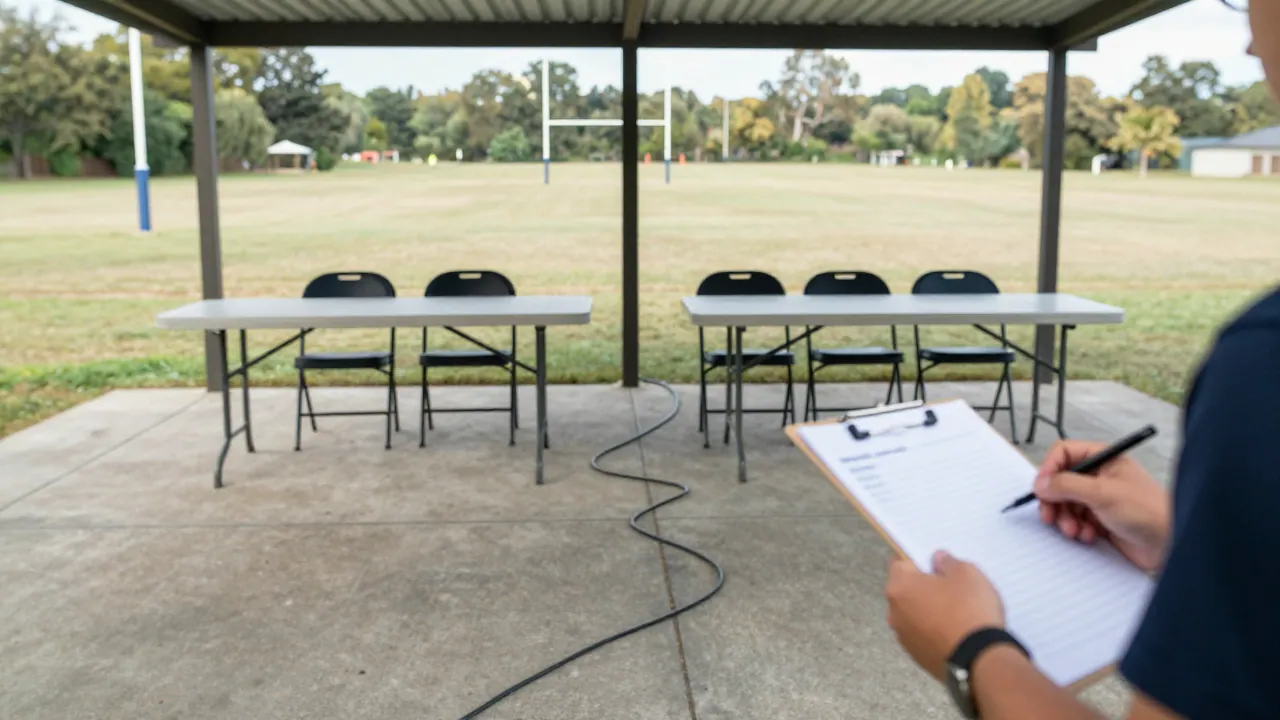
- Walk the touchline and pick a flat, dry patch about 10 metres back from the rope, with a clear view of the centre of the pitch.
- Set the tables facing the pitch and leave a gap of one metre between them so people can walk through.
- Place the chairs behind the tables, not in front. Writers need room to stand up without blocking the row.
- Run the extension cord from the nearest indoor socket, tape it down across any walkway, and plug in both power strips.
- Put the wifi hotspot on a table near the middle of the area, not on the ground, and write the network name on the sign-in sheet.
- Pin the grounds map to the table with tape so writers can find the toilet, the food stand and the medical tent.
- Set out the sign-in sheet and pens, and write your name and mobile number at the top as the contact for the day.
Power, wifi and the small things that fail
Power is usually fine if you have two strips. The problem is reach: clubhouse sockets are often far from the touchline. Measure the distance before the day, not on the morning. For wifi, a single hotspot handles six to eight writers checking scores and sending photos, but it will slow down if someone uploads video. Ask writers to send large files after the final whistle.
| Option | Best for | Watch out for |
|---|---|---|
| Clubhouse socket and long cord | Most tournaments with a building nearby | Cable runs across walkways; tape it down |
| Portable battery pack | Grounds with no power nearby | Heavy; charge it the night before |
| Phone tethering only | Two or three writers | Data limits and weak signal in stands |
| Small hotspot plus tethering backup | Six to eight writers | Slows down with video uploads |
Write down what failed at the end of the day. Last season we lost 20 minutes because the extension cord was 5 metres short, and we now carry a second one. If you are tracking simple match data, our notes on tracking player movement without a budget pair well with a small press area.
A simple system for handling requests
Writers will ask for interviews, team sheets and a quiet place to file. You cannot say yes to everything, so make the process visible and the same for everyone.
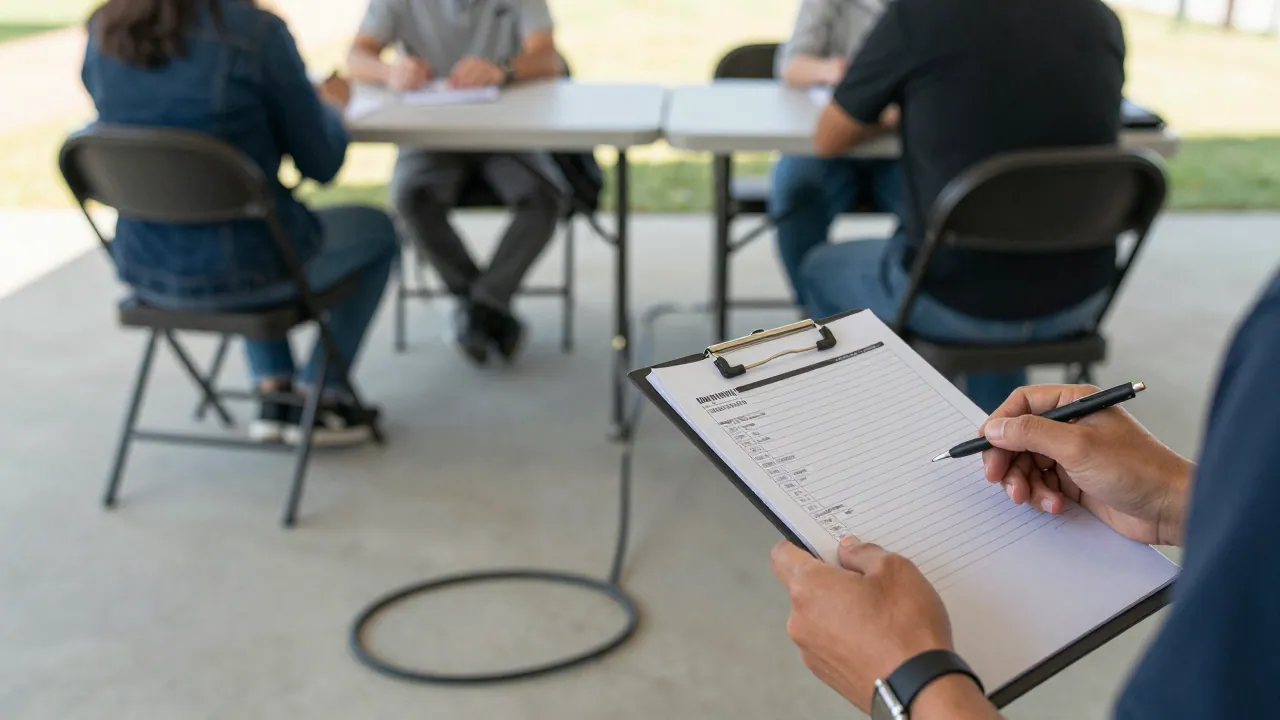
- At sign-in, give each writer a numbered slot on the sheet and ask what they need: interview, team sheet or photo access.
- Collect requests until 30 minutes before the match ends, then take them to the team manager in one list.
- Confirm yes or no at the press area after the final whistle, and write the answer next to the name.
- For interviews, set a fixed spot 10 metres from the press area and a 10-minute limit per writer.
- Keep a folder of team sheets on the table so writers can check names without asking.
The best press boxes are boring. Everyone knows where to sit, where the power is and who to ask. That is the whole job.
After the final whistle
Pack the cables first, then the chairs, then the tables. Count the power strips against your list before you leave, because they are the item most often left behind. Send a short note to the tournament organiser the next day with three things: what worked, what broke and what you would change. That note is how a small setup gets better each season. If you are also handling passes, our piece on what our accreditation clinic taught us covers the paperwork side.
Questions people ask
How many writers can a small press area hold?
Six to eight is realistic with two tables and one hotspot. Above that you need a second row of chairs and a second power strip, and requests take longer to handle.
What if the ground has no power or wifi?
Use a charged battery pack for phones and laptops, and ask writers to tether from their own phones. Print team sheets in advance so nobody depends on a connection.
Do we need to offer interviews to every writer?
No. Offer a fixed window and a fixed spot, and take requests in one list. Say yes or no clearly at the press area so everyone hears the same answer.